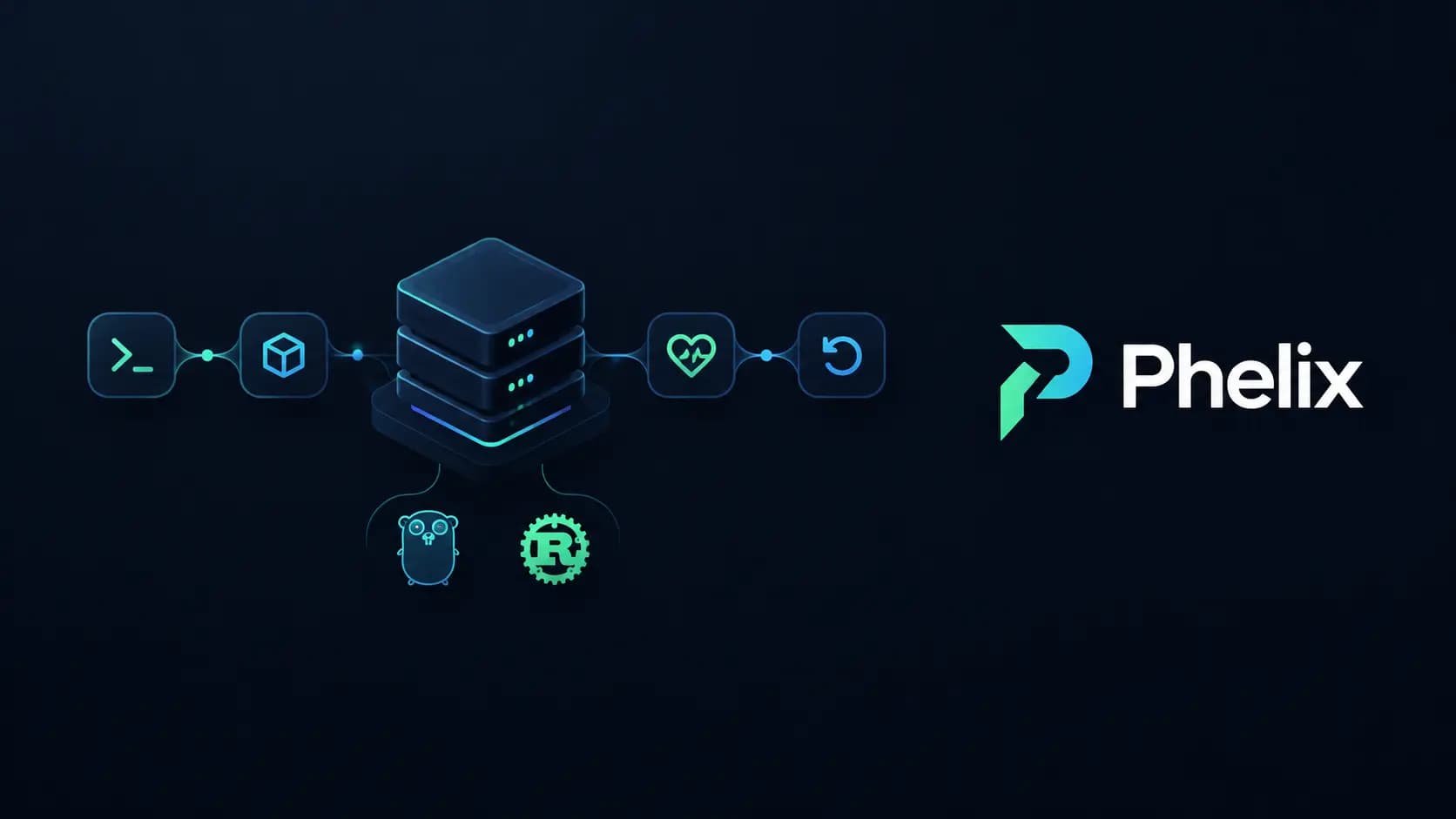
Shipping a Go or Rust service to your own servers usually means gluing together a build script, a process manager, a reverse proxy, health checks, log collection, and a rollback plan you hope you never need. Phelix replaces that glue with one binary.
Phelix is a lightweight command-line tool that builds, runs, deploys, supervises, and rolls back Go and Rust applications on infrastructure you already control. It offers health-gated, zero-downtime deployments, encrypted environment variables, and optional multi-server monitoring.
In this article you will learn what Phelix is, how its deployment strategies work, what makes it safe by design, and how to get started in a few commands.
- Website and docs: phelix.anophel.com
- Source code: github.com/abdorrahmani/phelix
What is Phelix?
Phelix is a single-binary CLI and application manager for Go and Rust. It is written in Go and built with the Cobra framework. Run it on a host, and it will:
- compile your application with the host toolchain,
- record every build as a numbered version,
- start and supervise the process,
- switch traffic to a new version only after it passes a health check,
- and let you roll back to any retained version with one command.
Phelix is offline-first. Build, run, deploy, and rollback all work with no account and no network connection. Logging in only adds dashboard sync, and nothing leaves your machine until you opt in, per application.
The tagline says it well: ship Go and Rust apps, watch them, roll them back.
Why Phelix exists
Release state is often scattered across build scripts, process managers, health checks, proxy rules, and rollback notes. Each piece works on its own, but the glue between them is where deploys break.
| Without Phelix | With Phelix |
|---|---|
| Build scripts | One operational layer |
| Process manager | Build, run, deploy |
| Health checks | Health, logs |
| Deployment logic | Rollback, monitor |
| Traffic switching | |
| Rollback logic | |
| Log collection | |
| Monitoring setup |
Phelix keeps one version identity and one promotion rule across the whole lifecycle:
> application → candidate → health gate → current → rollback
Phelix is built and used in production at Anophel, where it deploys, supervises, and rolls back the team's own Go and Rust services across several servers from a single CLI.
Key features at a glance
- Go and Rust lifecycle: build, run, rebuild, start, stop, restart, status, and logs.
- Versioned builds: every build becomes
v1,v2, and so on, with an optional--tag. The binary and its encrypted environment are snapshotted together. - Zero-downtime deploys: blue-green and rolling deploys through the built-in
phelix proxy. - Canary and progressive rollouts: shift a percentage of traffic, compare health and metrics against the stable baseline, and auto-rollback on regression.
- Rollback: interactive picker or
--to, dry-run preview, verification window, automatic rollback on a failed deploy, and an audited history. - Tiered health checks: 2xx, any-HTTP, TCP, or PID gating.
- Docker workflows: generate optimized multi-stage images, or run app instances as containers under the proxy.
- Matrix builds: toolchain version × platform cross-compilation with resume, retries, per-artifact SHA-256, and release manifests.
- Build reports: automatic per-build metrics and regression alerts, available offline.
- Encrypted environment variables: AES-256-GCM at rest, injected at start, and versioned.
- Per-instance resource limits: CPU and memory limits via cgroups v2 on Linux.
- Git webhook deploys: HMAC-authenticated push webhooks deploy the exact pushed commit.
- Monitoring: optional, per-app opt-in gRPC stream to the Phelix dashboard.
Quick start
Install Phelix with one command. The installer detects your OS and architecture, and you do not need a toolchain just to install it:
1curl -fsSL https://phelix.anophel.com/install.sh | bash
2phelix version
Then, from a Go or Rust project directory:
1# Initialize project config (creates phelix.yaml)
2phelix init
3
4# Build and run an app (auto-detects Go or Rust)
5phelix build myapp --port 8080
6
7# Rebuild after a change, with zero downtime via blue-green
8phelix rebuild myapp --blue-green
9
10# Roll back to the previous versioned build
11phelix rollback myapp
The one requirement: the PORT contract
Managed applications must listen on the port provided by the PORT environment variable instead of hardcoding one. This is what lets Phelix run two versions side by side and move traffic between them. Run phelix doctor to check your project.
Runnable starter projects for Go and Rust are available in the examples/ folder of the repository.
Versioned builds
A successful phelix build detects the project, compiles a native binary, and creates a numbered candidate together with an encrypted environment snapshot. The candidate only becomes current after the selected deployment succeeds.
Every version also records a build report: compiler, duration, cache status, binary size, and checksum. Each report is compared against the five previous comparable builds, so regressions in build time or binary size show up early.
Five deployment strategies
Phelix supports five strategies that share one versioned lifecycle: classic, blue-green, rolling, canary, and progressive. Proxy-based strategies move traffic only after the new version passes its health gate. Classic is a simple stop → start.
Blue-green
1phelix rebuild api --blue-green
Phelix builds a new binary, starts it on the inactive slot, waits until it is healthy, then atomically switches the proxy target. The sequence is:
- Start the new version on the inactive slot.
- Run the health gate.
- Switch the proxy target.
- Commit the serving state and promote the new version.
- Drain the old version.
If the candidate fails its health gate, the deploy aborts and the active version keeps serving.
Rolling
1phelix rebuild api --replicas 3
Roll a new version through multiple replicas behind the Phelix proxy, one step at a time.
Canary
1phelix rebuild api --canary 5
Send 5% of traffic to the new version, verify health and metrics against the stable baseline, then promote. If the canary regresses, Phelix rolls back automatically.
Progressive
Progressive rollouts increase the traffic share in stages, with checks at every step.
Classic
Classic deploys stop the old process and start the new one. It is the simplest option when brief downtime is acceptable.
Deploy on git push with webhooks
phelix webhook accepts HMAC-authenticated Git push webhooks, deploys the exact commit that was pushed, and hands it to the same rebuild pipeline. Your phelix.yaml strategy, health gates, versioning, and rollback history all still apply.
1PHELIX_WEBHOOK_SECRET=… phelix webhook
For each delivery, Phelix:
- Verifies the HMAC signature (
X-Hub-Signature-256, constant-time comparison). - Validates that the pushed branch matches the configured branch.
- Deduplicates the delivery ID using a durable ledger.
- Queues a build job, serialized per app.
- Fetches the exact commit.
- Isolates it in a detached git worktree.
- Hands off to
phelix rebuild --source-dir.
Two details matter in practice. The pushed commit SHA is always the deploy target, never the branch tip, so a newer push cannot sneak into an older deploy. And every accepted delivery is written to a durable ledger before it is acknowledged, so a redelivery never triggers a second rebuild.
Health checks and failure recovery
Phelix treats failure as an explicit, bounded state rather than something to hide.
- Health-triggered restarts: repeated health-check failures schedule restart attempts with an attempt cap. When the cap is reached, Phelix skips the restart and flags that operator action is required.
- Deployment recovery: an unhealthy candidate stays off traffic. Optional automatic rollback can restore the last known-good promoted version. If restoration itself fails, the app is marked degraded and needs manual intervention.
Deploy health gating is tiered, so you can choose the check that suits your app: an HTTP 2xx response, any HTTP response, a TCP connection, or a simple PID check.
Rollback as a first-class command
Rollback should never be a script you write during an incident. In Phelix it is a built-in command:
1phelix versions api
2phelix rollback api --to v17
3phelix rollback api --to v7 --dry-run   # preview first
Phelix resolves the retained native version, starts it through the application's current deployment topology, runs the topology-specific checks, and records the outcome in an audited history. With a proxy-based topology, traffic switches only after health passes. Classic rollback uses stop → start and can optionally run post-rollback verification.
You can pick a version interactively, pass --to, preview with --dry-run, and use a verification window after the switch.
Docker support
Phelix works with or without containers.
**dockerize**generates optimized multi-stage Docker images for Go and Rust.- Docker runtime lets Phelix run app instances as containers under the proxy.
- Compose-aware workflows cover backing services such as Redis on a shared network, compose profiles for local development, building images from compose services, and multi-service setups.
The repository includes runnable examples for each of these patterns in both Go and Rust. Managed containers publish only to 127.0.0.1.
Matrix builds and build reports
Need to ship for several platforms or verify against multiple toolchains? Matrix builds cross-compile every combination in a single command:
1phelix build myapp --matrix --go-versions 1.26,1.27 --platforms linux/amd64,linux/arm64
Matrix builds support resume, retries, a per-artifact SHA-256 checksum, and release manifests. Combined with automatic per-build reports and regression alerts, you get reproducible, auditable releases without a separate CI step.
Security model
Security is built into the defaults:
- Encryption at rest: environment variables and registry credentials use AES-256-GCM and are never logged in plaintext.
- Optional authentication: tokens are stored locally, and login is not required.
- TLS monitoring channel: the monitoring gRPC channel uses TLS. Only
mode: devuses plaintext, intended for local backends. - Webhook secrets: they live only in environment variables, and signatures are verified in constant time.
- Local-only containers: managed containers publish only to
127.0.0.1. - Nothing leaves by default: when you are not logged in, no app data, metrics, or events leave your machine.
Monitoring multiple servers
When you opt in, connected agents report CPU, memory, uptime, process state, health snapshots, and logs over authenticated TLS to the Phelix dashboard. You get fleet-wide visibility across servers, while remote actions target one selected agent at a time.
Locally, you can always:
- inspect PID, uptime, memory, and CPU per application with
phelix status, - tail process logs with
phelix log --tail.
The dashboard is optional. Everything works locally without it.
Where Phelix fits in your stack
Phelix owns the build, the process, health-gated traffic, and the retained way back. Git, CI, and the server itself stay yours.
- Your application: Go or Rust source.
- Phelix: CLI plus per-host agent for build, deploy, health, logs, rollback, and monitoring.
- Your servers: processes, systemd, proxy, and network.
- Phelix dashboard (opt-in): status, metrics, logs, and events.
Request flow is simple: client → :8080 proxy → healthy instance. A host-local HTTP proxy routes user traffic to the healthy serving process.
What Phelix does not do: it does not provision servers, networks, or TLS. You bring the infrastructure, and Phelix operates your applications on it.
Platform support: the Phelix site lists Linux and macOS as released hosts, with systemd integration on Linux. The GitHub README describes Linux as the primary target, with experimental Windows support. It builds with your host's Go or Rust toolchain, and any Go or Rust version your host supports will work.
Phelix vs. other tools
Phelix is deliberately narrow. It is built specifically for Go and Rust, ships as one binary, and runs directly on your hosts. If you are comparing it with self-hosted platforms such as Coolify or Dokploy, or looking for a Go process manager, the Phelix site has dedicated pages:
Licensing
Phelix is source-available, not classic open source. The CLI is licensed under the Functional Source License 1.1 with an Apache 2.0 future license (FSL-1.1-ALv2). Each released version converts to Apache 2.0 two years after its release.
You may use, study, modify, and redistribute the CLI for any purpose except a Competing Use, which means reselling it or offering a competing hosted or dashboard service. Forks and contributions are welcome. The "Phelix" name and logo are trademarks of Mohammad Abdorrahmani. The dashboard backend and frontend at phelix.anophel.com, including paid features, are proprietary and not part of the repository.
FAQ
What is Phelix?
Phelix is a lightweight CLI that builds, runs, deploys, and manages Go and Rust applications on any server you control.
Which languages does Phelix support?
Go and Rust. Phelix auto-detects the project type and builds it with your host toolchain.
Does Phelix deploy applications without downtime?
Yes. Blue-green and rolling deploys switch traffic through the Phelix proxy only after the new version passes its health gate.
What happens when an application becomes unhealthy?
Repeated health failures trigger bounded restart attempts. During a deploy, an unhealthy candidate stays off traffic, and optional automatic rollback can restore the last known-good version.
Can I roll back an application?
Yes. Use phelix rollback for the previous version, or --to for any retained version. --dry-run previews the result first.
Can Phelix monitor multiple servers?
Yes. Connected agents report telemetry to the optional dashboard, and remote actions target one selected agent.
Does Phelix support Docker?
Yes. It can generate multi-stage Docker images and run app instances as containers under its proxy, including compose-based setups.
How does Phelix store environment variables?
They are encrypted at rest with AES-256-GCM, injected at start, and snapshotted with each version.
Do I need an account?
No. Phelix works fully offline. An account is only needed for dashboard sync.
Conclusion
Phelix gives Go and Rust teams one tool between git push and production. It builds versioned binaries, switches traffic only when health checks pass, keeps a clear path back, and watches your servers, all on infrastructure you already own.
Get started:
1curl -fsSL https://phelix.anophel.com/install.sh | bash
- Read the docs: phelix.anophel.com/docs
- Star or contribute on GitHub: github.com/abdorrahmani/phelix
- Follow updates: @phelix_dev on X
Phelix is built by Anophel.