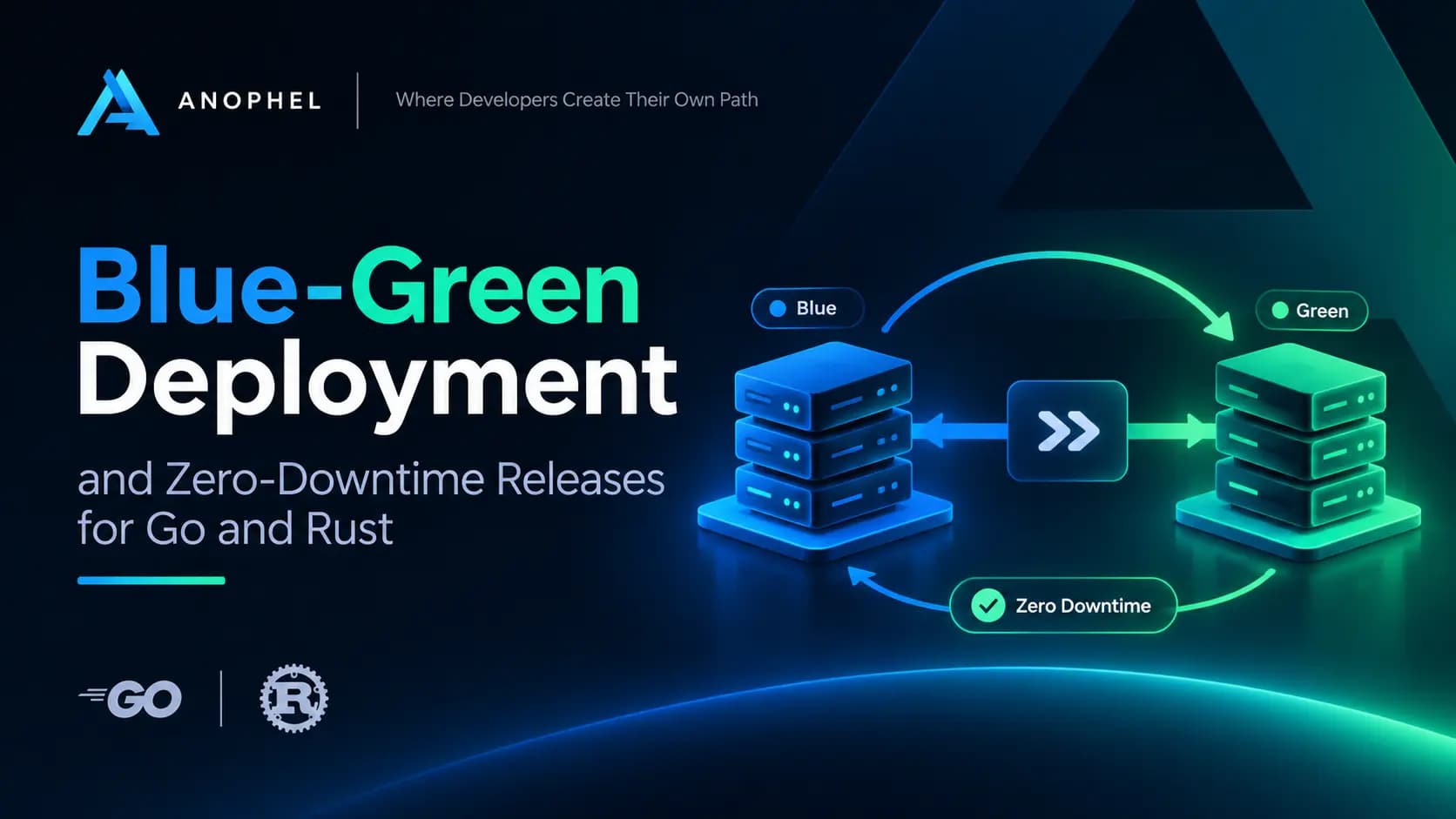
Every team has a story about the deploy that went wrong at the worst moment. The binary was copied over, the service restarted, and for eight seconds the load balancer returned 502s to real users. Nobody lost data, but somebody lost trust.
Zero-downtime deployment is how you make that story stop repeating. Blue-green deployment is the most common way to get there, and it is also one of the most misunderstood. People tend to describe it in one sentence ("run two copies and flip a switch") and skip the parts that actually decide whether it works: readiness, connection draining, database compatibility, and the way back.
This article goes through those parts in detail. We will look at the mechanics, write the application code that makes it safe in both Go and Rust, wire up a proxy by hand, and then look at how Phelix automates the whole flow so you do not have to maintain it in shell scripts.
What zero-downtime deployment actually means
Zero downtime does not mean "the process restarted quickly." It means that, for the whole duration of a release, every request that arrives is either served by a healthy instance or is held for a very short time and then served. No connection is refused, and no in-flight request is cut off halfway.
That gives you three requirements:
- A new version must be ready before it receives traffic. Started is not the same as ready.
- Traffic must move at a single, well-defined moment. Not gradually by accident, but by a deliberate switch.
- The old version must finish what it started. In-flight requests, open WebSockets, and background jobs need a chance to complete.
Blue-green deployment is a pattern built around exactly these three rules.
How blue-green deployment works
The idea is simple. You keep two environments that are identical in shape. At any moment, one of them is live and the other is idle. By convention they are called blue and green, but the names do not matter.
Here is the full sequence for a release:
- Blue is live and serving all traffic. Green is idle (or does not exist yet).
- Build the new version and start it as green, on a different port or in a different container. It receives no user traffic.
- Run a health gate against green. This might be an HTTP check, a TCP connect, or a smoke test that exercises a real code path.
- Switch the router. The proxy or load balancer target changes from blue to green. This should be atomic from the client's point of view.
- Watch green for a short verification window.
- Drain blue. Stop sending it new requests, let in-flight work finish, then shut it down.
- Keep the previous version around. If green misbehaves, switching back is the same operation in reverse.
The reason this works so well is step 7. The old version is not destroyed at the moment of release. It is the rollback plan, and it is still warm.
Blue-green compared to rolling and canary
Blue-green is not the only option, and it is not always the best one.
| Strategy | How traffic moves | Extra capacity needed | Rollback speed | Good fit |
|---|---|---|---|---|
| Recreate (stop, then start) | All at once, with a gap | None | Slow (redeploy) | Internal tools where brief downtime is fine |
| Blue-green | All at once, no gap | A second full instance | Instant (switch back) | Most web services and APIs |
| Rolling | One replica at a time | A little headroom | Moderate | Multi-replica services |
| Canary | A small percentage first | A little headroom | Fast | High-risk changes you want to observe on real traffic |
For a single service on one or a few hosts, blue-green is often the sweet spot. You pay for one extra instance for a few minutes, and in return you get an instant rollback.
Making your application deployable without downtime
Blue-green is an infrastructure pattern, but it only works if the application cooperates. Four behaviors matter.
1. Read the port from the environment
If blue and green run side by side on one host, they cannot both bind to :8080. The deployment tool needs to assign each one a port, and the app has to respect it. The usual contract is a PORT environment variable.
2. Expose a real health endpoint
A health endpoint should answer one question: can this instance serve traffic right now? A bare 200 OK that never checks anything is better than nothing, but a good endpoint also confirms that the instance can reach what it depends on (database, cache) without being so strict that a brief upstream hiccup takes every instance out of rotation.
3. Handle SIGTERM and shut down gracefully
When the deployment tool drains the old version, it will usually send SIGTERM. A process that ignores it gets killed a few seconds later with SIGKILL, and every request in flight dies with it. A graceful shutdown stops accepting new connections, finishes the active ones, and then exits.
4. Keep state out of the process
If a user's session lives in blue's memory, switching to green logs them out. Sessions, caches that must survive, and job queues belong in a shared store such as Redis or your database.
A Go example
Go's standard library makes graceful shutdown pleasantly short. http.Server.Shutdown stops the listener and waits for active requests, and signal.NotifyContext turns signals into a context you can wait on.
package main

import (
    "context"
    "errors"
    "log"
    "net/http"
    "os"
    "os/signal"
    "syscall"
    "time"
)

func main() {
    port := os.Getenv("PORT")
    if port == "" {
        port = "8080"
    }

    mux := http.NewServeMux()

    // Health endpoint used by the deployment tool before switching traffic.
    mux.HandleFunc("/healthz", func(w http.ResponseWriter, r *http.Request) {
        w.WriteHeader(http.StatusOK)
        _, _ = w.Write([]byte("ok"))
    })

    mux.HandleFunc("/", func(w http.ResponseWriter, r *http.Request) {
        _, _ = w.Write([]byte("hello from the new version\n"))
    })

    srv := &http.Server{
        Addr:              ":" + port,
        Handler:           mux,
        ReadHeaderTimeout: 5 * time.Second,
    }

    go func() {
        if err := srv.ListenAndServe(); err != nil && !errors.Is(err, http.ErrServerClosed) {
            log.Fatalf("server error: %v", err)
        }
    }()

    // Wait for SIGINT or SIGTERM.
    ctx, stop := signal.NotifyContext(context.Background(), syscall.SIGINT, syscall.SIGTERM)
    defer stop()
    <-ctx.Done()

    // Give in-flight requests time to finish.
    shutdownCtx, cancel := context.WithTimeout(context.Background(), 30*time.Second)
    defer cancel()

    if err := srv.Shutdown(shutdownCtx); err != nil {
        log.Printf("graceful shutdown failed: %v", err)
    }
    log.Println("stopped cleanly")
}
Two details are easy to miss. First, Shutdown does not wait for hijacked connections such as WebSockets, so if you use them you need to close those yourself. Second, the shutdown timeout should be longer than your slowest legitimate request, but shorter than whatever grace period your supervisor allows before it sends SIGKILL.
A Rust example
In Rust, the story is similar. With axum on top of tokio, graceful shutdown is a future that resolves when a signal arrives.
use axum::{routing::get, Router};
use std::{env, net::SocketAddr};
use tokio::{net::TcpListener, signal};

#[tokio::main]
async fn main() {
    let port: u16 = env::var("PORT")
        .ok()
        .and_then(|p| p.parse().ok())
        .unwrap_or(8080);

    let app = Router::new()
        // Health endpoint used by the deployment tool before switching traffic.
        .route("/healthz", get(|| async { "ok" }))
        .route("/", get(|| async { "hello from the new version\n" }));

    // Use 0.0.0.0 instead if the proxy reaches you from another host or container.
    let addr = SocketAddr::from(([127, 0, 0, 1], port));
    let listener = TcpListener::bind(addr).await.expect("failed to bind port");

    axum::serve(listener, app)
        .with_graceful_shutdown(shutdown_signal())
        .await
        .expect("server error");
}

async fn shutdown_signal() {
    let ctrl_c = async {
        signal::ctrl_c()
            .await
            .expect("failed to install Ctrl+C handler");
    };

    #[cfg(unix)]
    let terminate = async {
        signal::unix::signal(signal::unix::SignalKind::terminate())
            .expect("failed to install SIGTERM handler")
            .recv()
            .await;
    };

    #[cfg(not(unix))]
    let terminate = std::future::pending::<()>();

    tokio::select! {
        _ = ctrl_c => {},
        _ = terminate => {},
    }
}
Note that with_graceful_shutdown stops accepting new connections and waits for existing ones to finish. If you spawn long-lived background tasks, keep a handle to them and await them after the server returns, otherwise they are dropped when main exits.
One practical difference between the two languages: Go binaries and Rust binaries are both single static-ish executables, which makes blue-green pleasantly cheap. There is no interpreter or runtime to warm up, so "start green and wait for it to be healthy" usually takes a fraction of a second. The expensive part of a Rust release is the compile, not the start, which is one more reason to build the new version fully before touching the live one.
The router: where the switch actually happens
The switch is the heart of blue-green. Whatever sits in front of your app (nginx, HAProxy, Caddy, an in-process proxy) needs to change its target without dropping connections.
Here is a minimal manual version with nginx. Keep the upstream in its own file:
# /etc/nginx/conf.d/api-upstream.conf
upstream api_backend {
    server 127.0.0.1:9001;   # blue
}

server {
    listen 80;
    server_name api.example.com;

    location / {
        proxy_pass http://api_backend;
        proxy_set_header Host $host;
        proxy_set_header X-Forwarded-For $remote_addr;
        proxy_http_version 1.1;
        proxy_set_header Connection "";
    }
}
To release, start green on port 9002, check it, then change the upstream line and reload:
# 1. Start green and wait for readiness
PORT=9002 ./api-v2 &
until curl -fsS http://127.0.0.1:9002/healthz > /dev/null; do sleep 0.5; done

# 2. Point nginx at green and validate the config before reloading
sed -i 's/127.0.0.1:9001/127.0.0.1:9002/' /etc/nginx/conf.d/api-upstream.conf
nginx -t && nginx -s reload

# 3. Tell blue to finish up
kill -TERM "$BLUE_PID"
nginx -s reload is graceful. Old workers keep serving their existing connections while new workers pick up the new config. That is exactly the behavior blue-green needs.
This works, and many teams run it for years. But look at what you are now responsible for: port allocation, readiness polling, state tracking (which color is live?), error handling if step 2 fails, a timeout on the drain, and a rollback script. Each one is small. Together they are the sort of glue code that breaks at 2 a.m.
The hard parts nobody mentions
Database migrations
This is where most blue-green setups fail. For a short time, both versions run against the same database. If the new version drops a column the old version still reads, blue starts erroring the moment green's migration runs, and your instant rollback is no longer instant.
The standard answer is the expand and contract pattern:
- Expand: add new columns or tables in a backward-compatible way. The old version ignores them.
- Migrate: deploy the new version, which writes to both shapes or to the new one while still reading the old.
- Contract: in a later release, once nothing depends on the old shape, remove it.
A good rule of thumb: a migration is safe for blue-green only if the previous version of your code still works after it has run. If you cannot say that with confidence, split it into two releases.
Long-lived connections
HTTP requests drain easily. WebSockets, server-sent events, and gRPC streams do not, because they can stay open for hours. Decide up front how you will handle them: send a close frame during shutdown and let clients reconnect (which will land them on green), or set a hard drain deadline and accept that some clients reconnect.
Background workers and schedulers
If blue and green both run a cron-style scheduler, a job may run twice during the overlap. Use a distributed lock, a leader election, or a job queue with exactly-once-ish semantics. This is not unique to blue-green, but the overlap window makes the bug visible.
Warm-up and cold caches
Green starts with empty caches. If your service leans heavily on an in-memory cache, the first minute after a switch can be slower than usual. Consider a warm-up step in the health gate, or keep hot data in a shared cache.
Capacity during the overlap
For a short time you run two full instances. On a small server that is real memory and CPU. Know your headroom before you rely on this pattern, and set resource limits so a misbehaving green cannot starve blue.
Rollback: the reason you do this
A deployment strategy is only as good as its rollback. With blue-green, rollback is the same move as release, run in reverse: start (or keep) the previous version, verify it, and switch the router back.
Two things make rollback trustworthy:
- The previous binary and its configuration are kept together. Rolling back the code but not the environment variables it expects is a classic trap.
- The rollback goes through the same health gate as a release. If it skips the checks "because it is an emergency," you will eventually roll back to something that is also broken.
Automatic rollback is worth having too. If green fails its health gate, the deploy should abort and leave blue serving, with no human involved.
Automating all of this with Phelix
Everything above can be scripted, and for one service it is a reasonable weekend project. The cost shows up later, when you have several services, several servers, and a rollback script that nobody has run in six months.
This is the gap Phelix was built for. Phelix is a single-binary CLI that builds, runs, deploys, supervises, and rolls back Go and Rust applications on servers you already control. It handles the parts of blue-green that are tedious to get right, so the release becomes one command:
phelix rebuild api --blue-greenBehind that command, Phelix follows the sequence we walked through earlier:
- It builds a new versioned binary and starts it on the inactive slot.
- It runs a health gate against the candidate.
- It atomically switches the target in the built-in
phelix proxy. - It commits the serving state and promotes the new version.
- It drains the old version.
If the candidate fails its health gate, the deploy aborts and the active version keeps serving. Health gating is tiered, so you can pick what fits your app: an HTTP 2xx response, any HTTP response, a TCP connection, or a plain PID check. That matters if your service has no /healthz route yet.
A few design choices are directly relevant to the problems we discussed:
- The PORT contract. Phelix expects managed apps to listen on the port from the
PORTenvironment variable, exactly like the Go and Rust examples above. That is how it runs two versions side by side. You can check your project withphelix doctor. - Binary and environment versioned together. Every build becomes a numbered version (
v1,v2, and so on), and the binary and its encrypted environment are snapshotted as a pair, which avoids the "rolled back the code but not the config" trap. - Rollback is a built-in command. Use
phelix rollback api, pick a version with--to, or preview first with--dry-run. It goes through the same topology-specific checks as a normal deploy, and every rollback is recorded in an audited history. - Automatic rollback and verification. An unhealthy candidate stays off traffic, and optional automatic rollback can restore the last known-good version.
- Other strategies when blue-green is not the right fit. Phelix also supports rolling deploys across replicas (
--replicas 3), canary releases (--canary 5), and progressive rollouts, all sharing the same versioned lifecycle.
Phelix is also offline-first, so you do not need an account or a network connection to build, deploy, or roll back. If you want the full picture of what the tool does, including webhook deploys, Docker workflows, matrix builds, and the security model, read our overview: Phelix: The CLI for Zero-Downtime Go and Rust Deployments.
To try it:
curl -fsSL https://phelix.anophel.com/install.sh | bash
phelix version
phelix init
phelix build myapp --port 8080
phelix rebuild myapp --blue-green
Useful links:
- Website and docs: phelix.anophel.com and phelix.anophel.com/docs
- Source code and runnable Go and Rust examples: github.com/abdorrahmani/phelix
- Comparisons: Phelix vs. Coolify and Phelix vs. Dokploy
To be clear about scope, Phelix does not provision servers, networks, or TLS. You bring the infrastructure, and Phelix operates your applications on it.
A pre-release checklist
Whether you use scripts, another tool, or Phelix, run through this before trusting a blue-green setup in production:
- The app reads its port from the environment and does not hardcode one.
- A health endpoint exists and reflects real readiness.
SIGTERMtriggers a graceful shutdown with a sensible timeout.- No user state lives only in process memory.
- Every database migration is compatible with the previous version of the code.
- Long-lived connections have a drain plan.
- Scheduled jobs cannot run twice during the overlap.
- The previous version and its configuration are retained.
- You have actually practiced a rollback, not just written it down.
Frequently asked questions
What is blue-green deployment?
Blue-green deployment is a release strategy where you run the new version beside the old one, verify it, and then switch traffic over in a single step. The old version stays available so you can switch back immediately if something goes wrong.
Is blue-green deployment the same as zero-downtime deployment?
Not exactly. Zero downtime is the goal, and blue-green is one way to reach it. Rolling and canary deployments can also be zero-downtime. Blue-green stands out because it gives you a very fast rollback.
Does blue-green work for Go and Rust applications?
Yes, and it suits them well. Both compile to native binaries that start quickly and have no heavy runtime to warm up. You only need a health endpoint and graceful shutdown handling, which both ecosystems support well.
How do database migrations work with blue-green deployment?
Use backward-compatible migrations. Add new structures first, deploy the new code, and remove old structures in a later release. Both versions must be able to run against the same schema during the overlap.
How much does blue-green cost in resources?
You run two instances for a short period around each release. For a single service that is usually a small, temporary increase, but check your memory and CPU headroom first.
Can I do blue-green on a single server?
Yes. Run the two versions on different ports and let a local reverse proxy switch between them. That is the model Phelix uses with its built-in proxy.
Conclusion
Blue-green deployment is not complicated in theory, but the details decide whether it is actually safe: readiness checks, graceful shutdown, database compatibility, and a rollback you have tested. Get those right and releases stop being events. They become something you do on a Tuesday afternoon without telling anyone.
If you would rather not maintain the glue yourself, give Phelix a look. It turns the whole sequence into phelix rebuild api --blue-green, and the source is on GitHub if you want to see how it works.